Start from an idea — VIDRA writes it
Describe your idea; VIDRA writes the script and you shape the look, sound and captions.
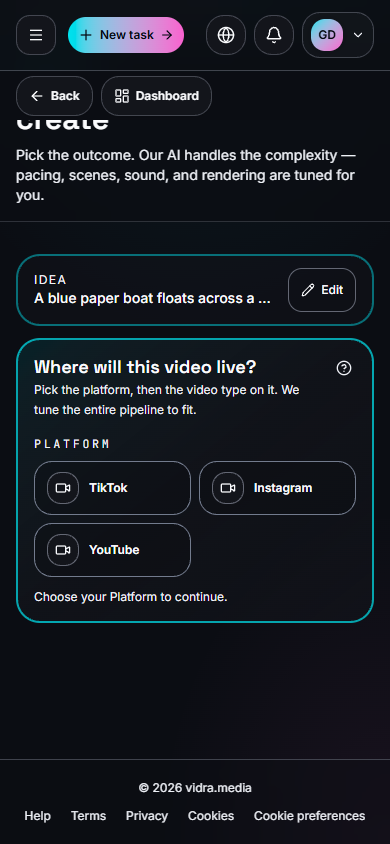
- 1. Choose the destination and format
Pick where the video will be posted. This sets its shape.
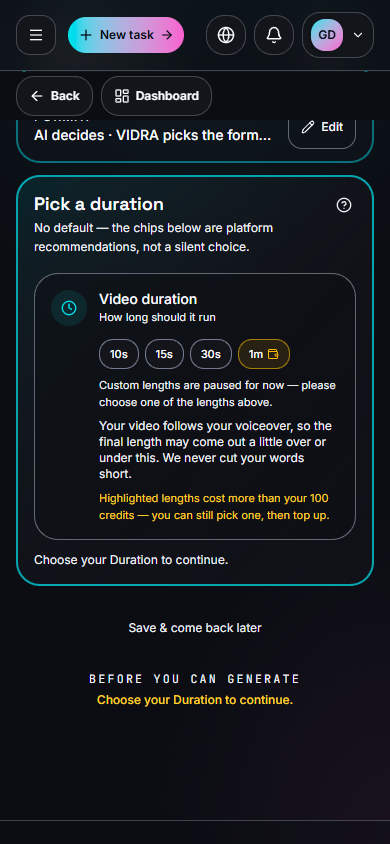
- 2. Choose the length
Pick how long the video should be.
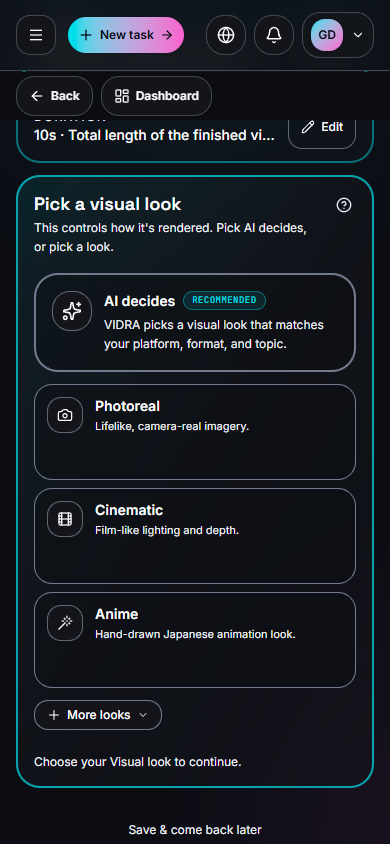
- 3. Choose a visual look and genre
Pick a visual style and the genre that suits your idea. Fine-tuning is optional.
- 4. Branding (optional)
If you have saved a brand kit you can apply it; otherwise leave branding off.
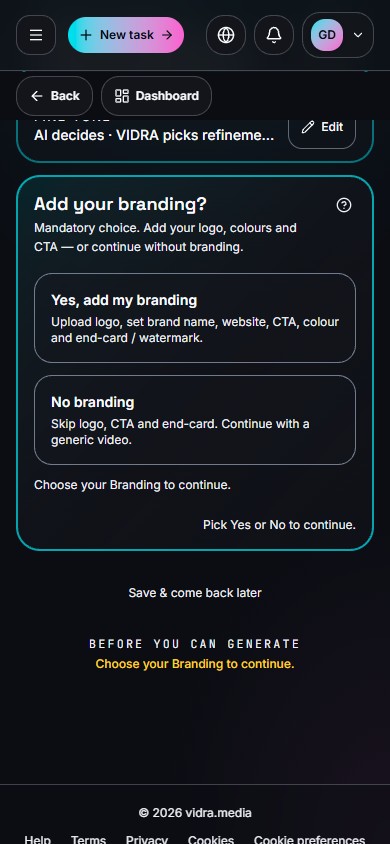
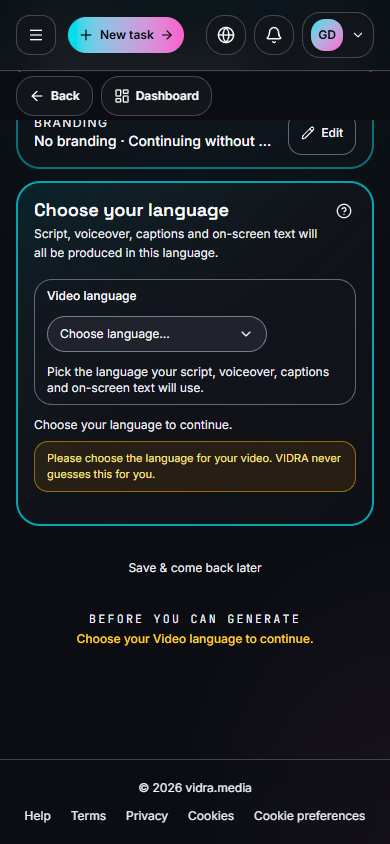
- 5. Choose the language
Pick the language for the voice and captions.
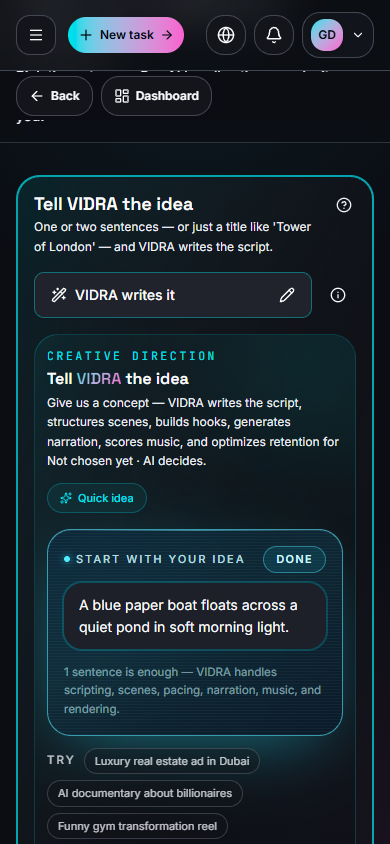
- 6. Choose “VIDRA writes it” and describe your idea
Type your idea in plain words. Specific details give better results.
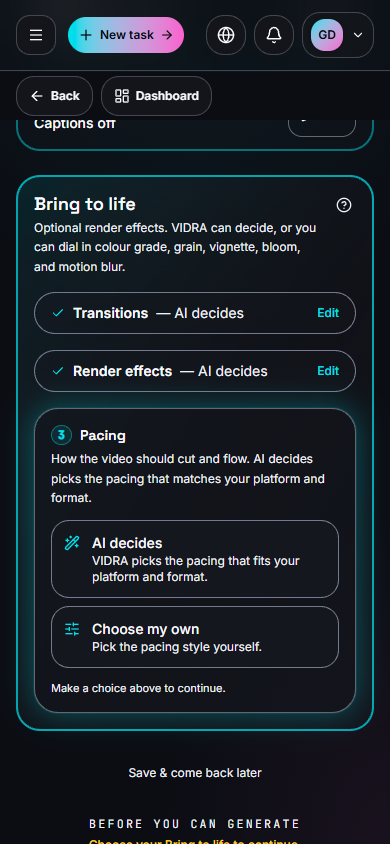
- 7. Pacing, voice, sound and captions
Answer each question in turn. Some questions only appear for certain earlier answers — for example, voice choices only appear when a voiceover is on.
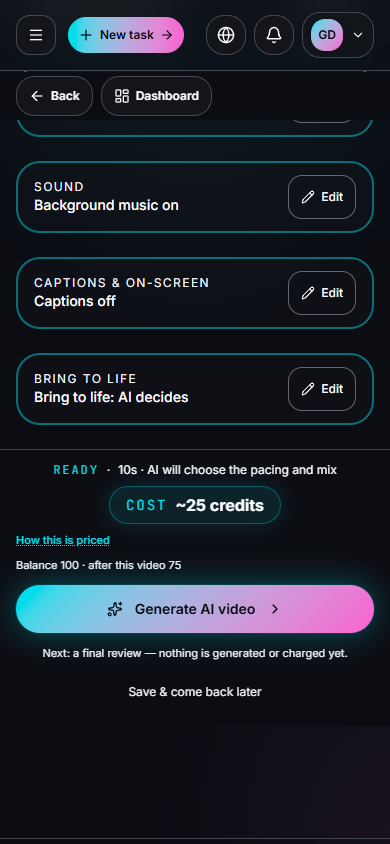
- 8. Check the price, then Generate
The quoted credit cost is shown before you commit. Depending on your choices you may be asked to approve a sample before the full video is made.