My Content / Photos & Clips
Upload your own images or clips and VIDRA builds a video around them.
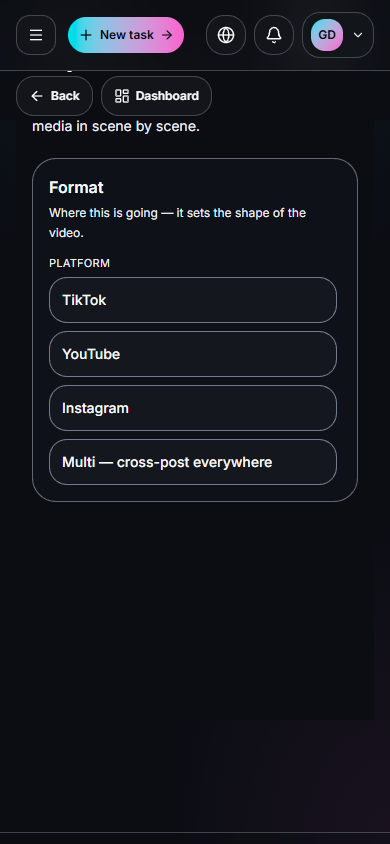
- 1. Choose where it will be posted
Pick the platform. This sets the shape of the video.
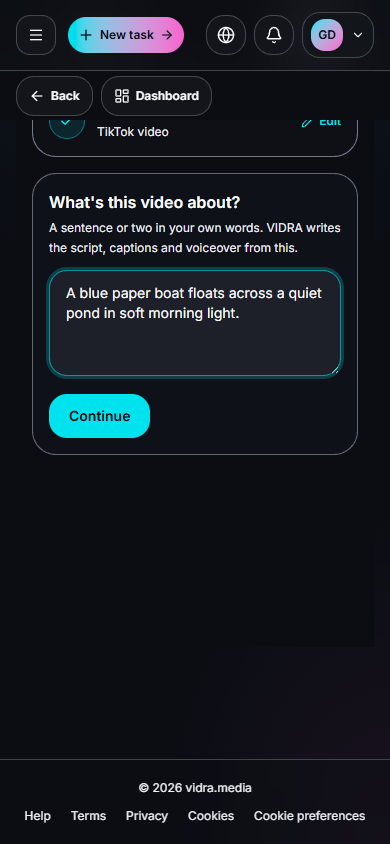
- 2. Describe the video
Tell VIDRA what the video is about.
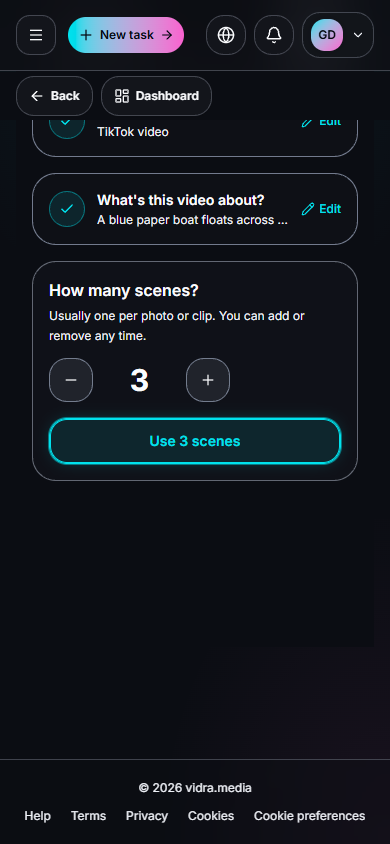
- 3. Choose the number of scenes and add your media
Upload a photo or clip for each scene.
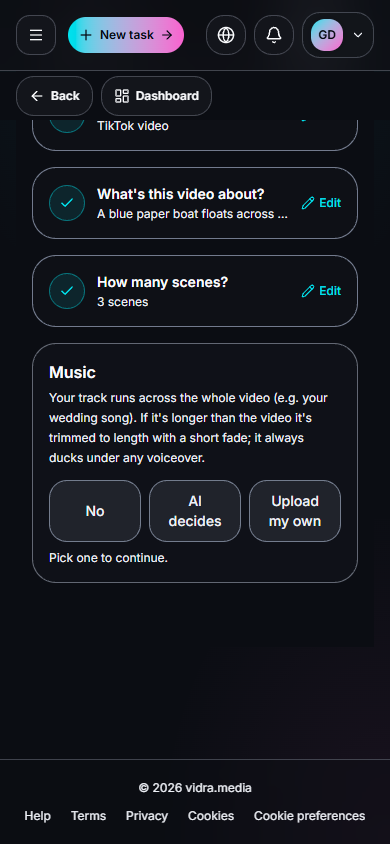
- 4. Music
Choose your music option.
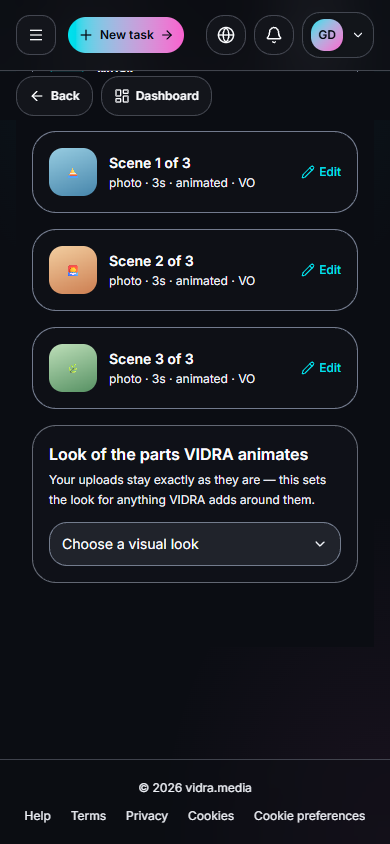
- 5. Look, genre and language
Pick a visual look, a genre, the language and the caption language.
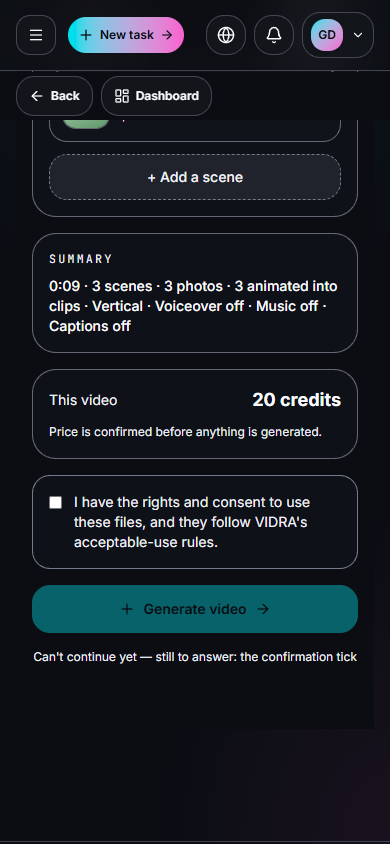
- 6. Check the price, then Generate
The quoted credit cost is shown before you commit.