Start from a Link
Paste a link and VIDRA turns that page into a video.
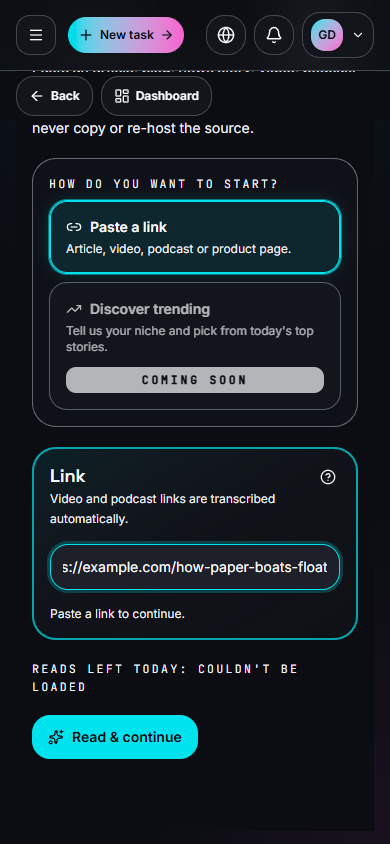
- 1. Paste the link
Paste the address of the page.
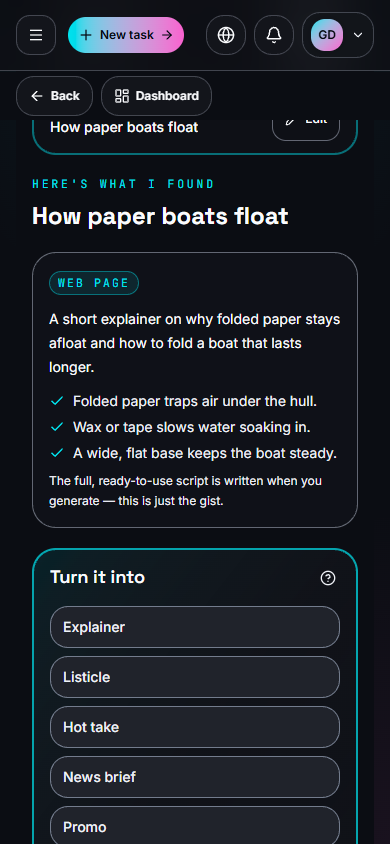
- 2. Choose what to turn it into
Pick the kind of video you want from the page.
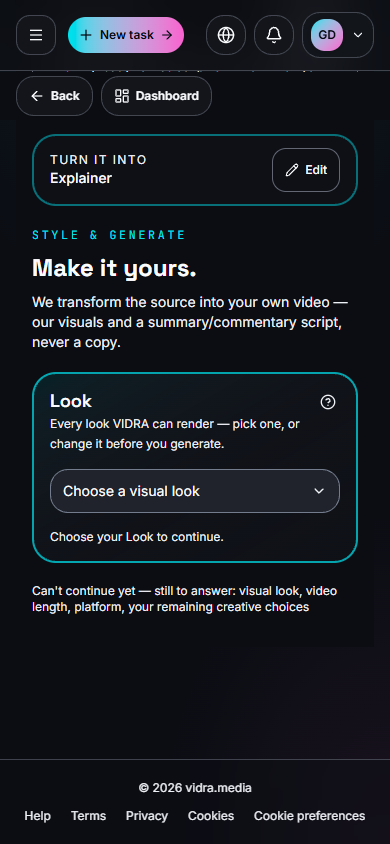
- 3. Choose the look and content type
Pick a visual look and the content type.
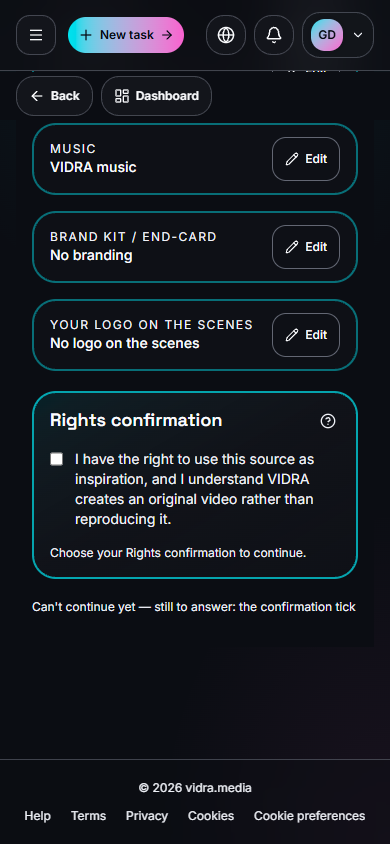
- 4. Confirm
Confirm you may use the page's content.
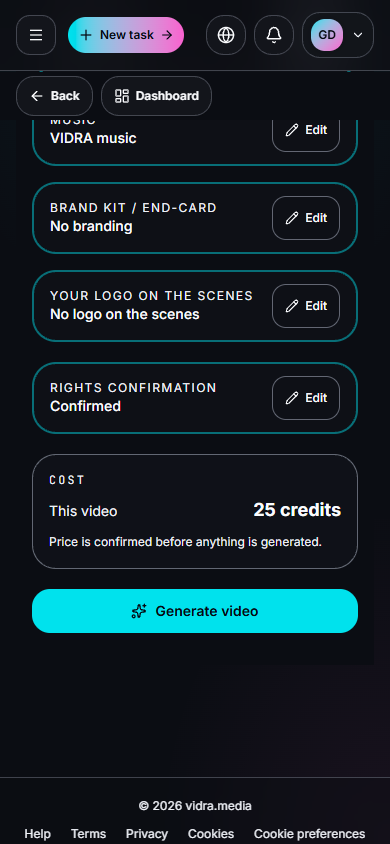
- 5. Check the price, then Generate
The quoted credit cost is shown before you commit.