Start from Audio
Upload audio and VIDRA plans scenes to match it. Your recording sets the length.
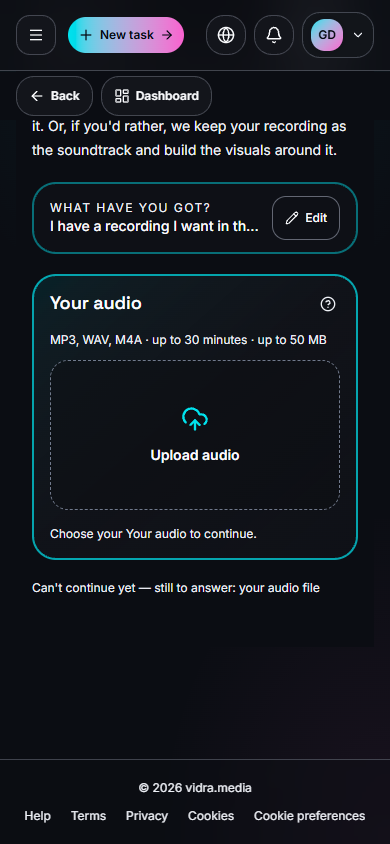
- 1. Upload your recording
Choose your audio file. The video will be as long as the recording.
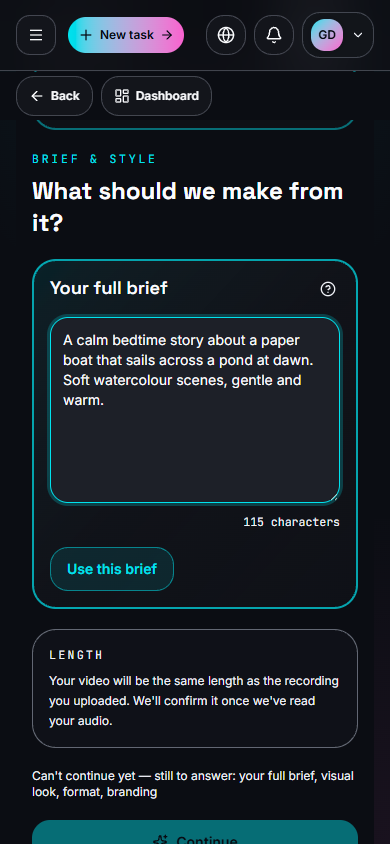
- 2. Describe what you want
Choose the audio type and write a short brief.
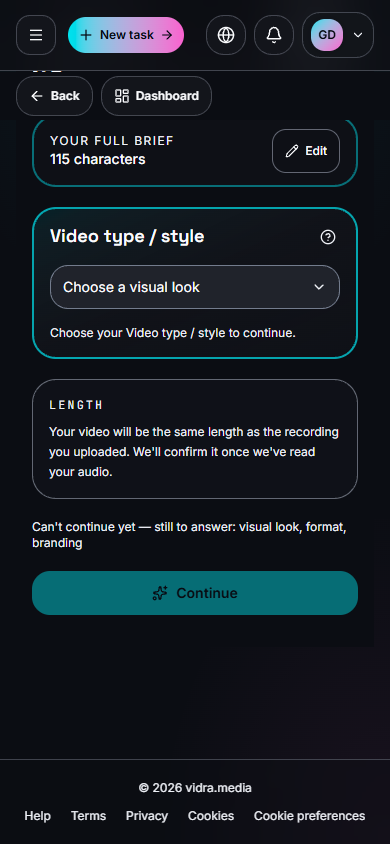
- 3. Choose the look and destination
Pick a visual look, where it will be posted and the content type.
- 4. Confirm rights and use
Confirm you have the rights to the audio and agree to acceptable use.
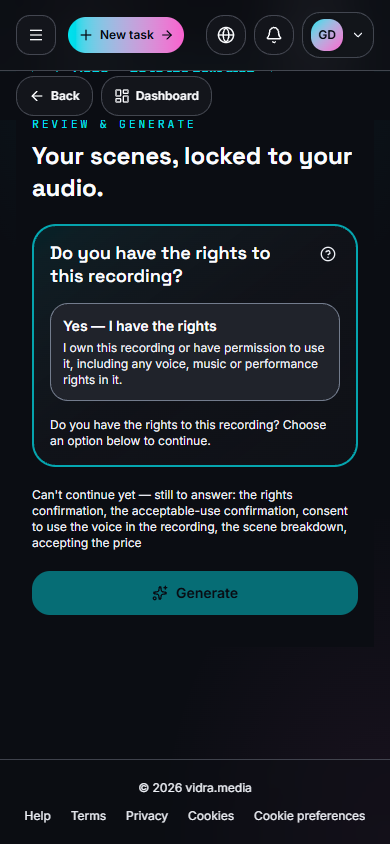
- 5. Create and approve the scene plan
Press Create scene plan. Any fee for the plan is shown before you press it. Review the plan and approve it.
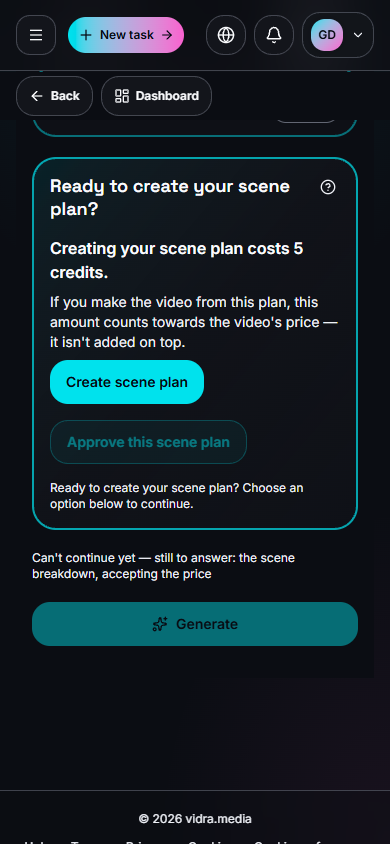
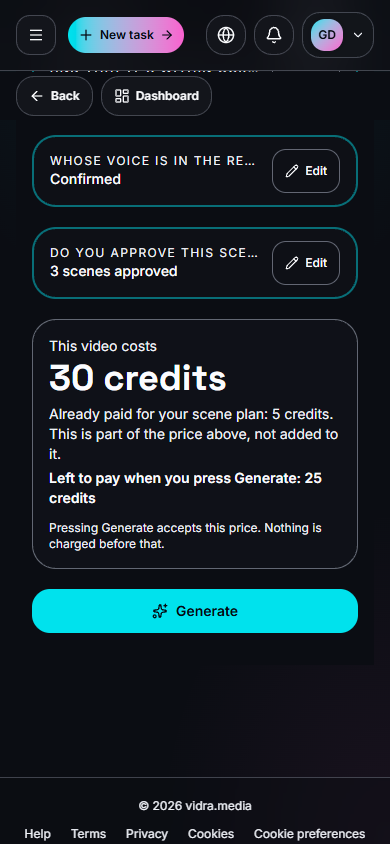
- 6. Check the price, then Generate
The video's credit cost is shown in full. Pressing Generate accepts that price.